

Each or Merge button to toggle between the matching heuristic.
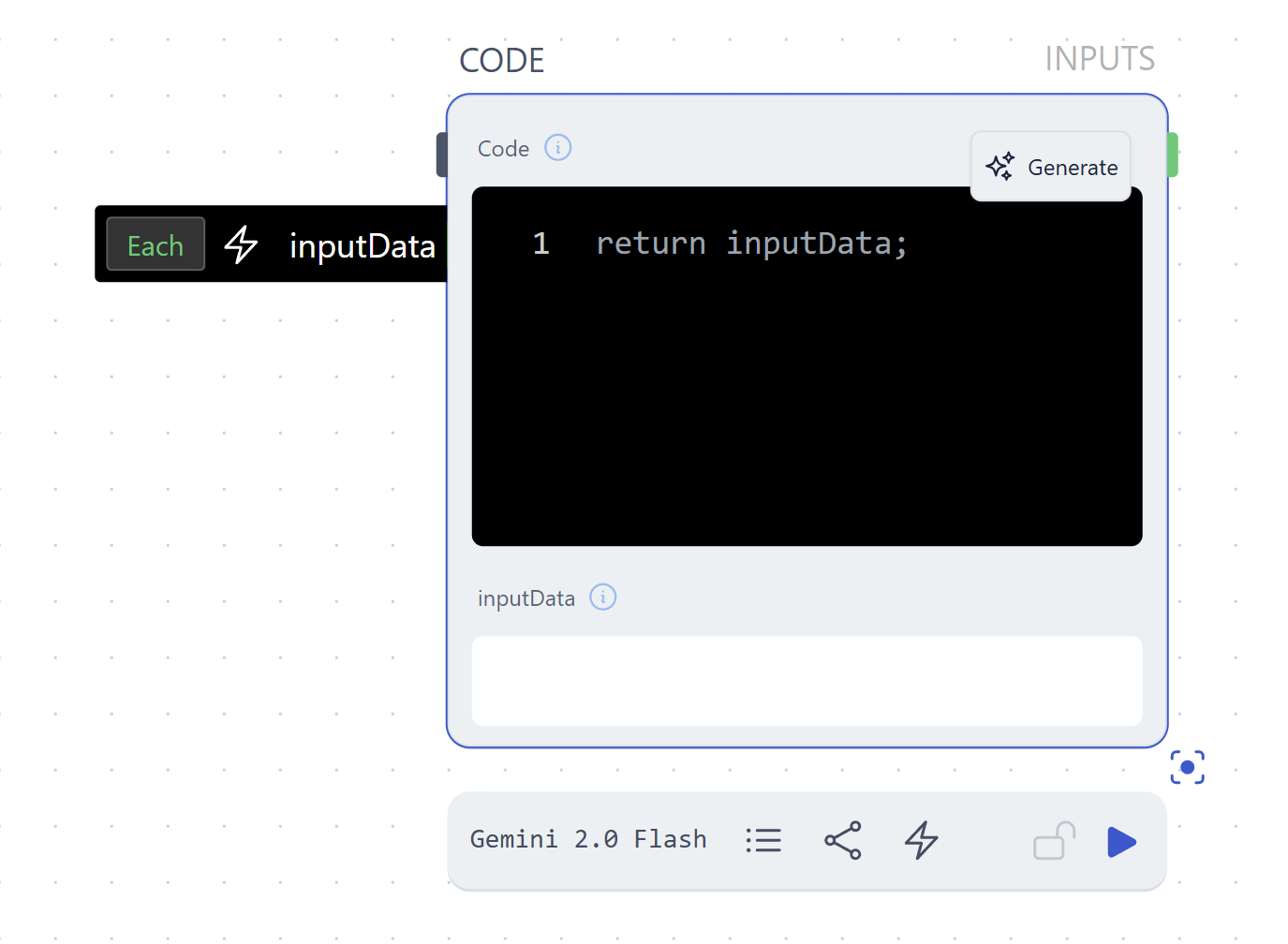
Each Item
Individual items will be passed to the parameter independently of one another.Merge Items
Individual items will be lumped together as a single list. This allows for one-to-many matching, for instance to match a single prompt with multiple reference images.Data Matching Heuristics
When a node has multiple input parameters, runchat will attempt to match input data following common sense heuristics.Single Input / Single Item
When a node only has a single parameter with a single item, then no data matching is required. The node will process this single input and (unless you are writing custom code or making an api call that returns multiple things) return a single output.For example: When you plug a text input into a prompt input and run the node,
you generate on output (text response, image, etc)
Single Input / Multiple Items
When a node has a single parameter but you connect multiple input items, then the node will attempt to process each item and output the same data structure. E.g. If you connect a list of items then you will get a list out. If you connect a datatree of items, you will get a datatree out.For example: When you plug two text inputs into the prompt of an Agent node,
you generate two outputs.
For example: When you write some text that defines a style and some text that
defines some content for an image, and connect them to the prompt input of a
Create -> Image node. Perhaps you want to make a single image from the
combined text? (If this is the case, concatenate the text first)Multiple Inputs / Same number of items
When a node has multiple input parameters and you provide the same number of items to each, then the node will attempt to ‘zip’ these inputs together for processing. This means processing the first item for each parameter, then the second item, then the third and so on.For example: When you plug in some text for a prompt and some text for a
context to the
Agent node, you get one response for each prompt-context
pair.Multiple Inputs / Different number of items
When a node has multiple input parameters and you provide a different number of items for each, then the node will zip inputs when matching items are found, and then use the last available item for a parameter if no matching items are found.For Example: You write a single set of instructions for an
Agent node, and
then connect 10 different items to the prompt parameter to process each with
these instructions.